
E-Filing Ontario: How to Submit Court Documents Online in 2026
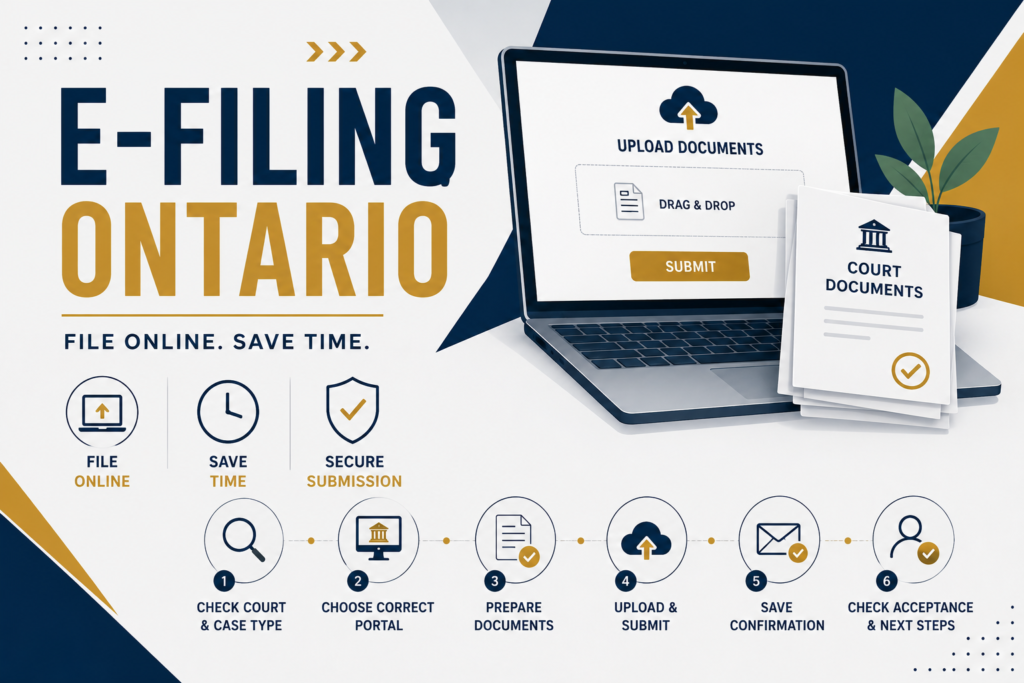
E-filing Ontario lets eligible court documents be submitted online instead of being delivered to a courthouse. The process depends on the court and type of case. You need the correct portal, properly prepared documents, and enough time for court review. Some urgent filings cannot be completed online.
What Is E-Filing Ontario?
E-filing Ontario is the electronic submission of eligible court documents through Ontario’s authorized online filing systems.
The portal you use depends on your case. Ontario currently has different online filing options for civil, family, Small Claims, bankruptcy, enforcement, and other matters. For Toronto-region filings, the Ontario Courts Public Portal is now used for several court types.
The process is not simply uploading a document. The court must receive the correct documents through the appropriate system, and some submissions still require review or acceptance.
Step 1: Identify Your Court and Case Type
Before starting e-filing Ontario, identify the court and type of proceeding.
You may be dealing with:
- Superior Court civil proceedings
- Divisional Court matters
- Family Court matters
- Small Claims Court
- Bankruptcy matters
- Enforcement proceedings
Different case types use different online services. The Toronto region also has specific portal requirements that changed in October 2025.
If you are unsure which court or filing process applies, confirm the requirement with the relevant court or a licensed Ontario lawyer or paralegal.
Step 2: Choose the Correct Filing Portal
Selecting the correct portal is one of the most important parts of e-filing Ontario.
For example, Ontario provides online filing services for:
- Civil and Divisional Court documents
- Family Court documents
- Small Claims Court documents
- Bankruptcy documents
- Enforcement matters
For civil filings in Toronto, online submissions must now be made through the Ontario Courts Public Portal. Outside the Toronto region, other civil filing portals remain available.
Family filings also depend on the region. Ontario states that Toronto-region online family filings use the Ontario Courts Public Portal, while Justice Services Online remains available for family filings outside Toronto.
Step 3: Prepare Your Documents
Before using e-filing Ontario, review every document carefully.
Check:
- Correct court file number
- Correct parties
- Completed forms
- Required signatures
- Required commissioning
- Supporting documents
- Page order
- Legibility
- Appropriate file format
- Appropriate file names
For Small Claims Court, Ontario specifically requires documents to be saved as individual PDFs or Word documents, with file names that identify the document and submitting party.
Do not assume every court or portal has identical technical requirements.
Step 4: Check Whether Online Filing Is Allowed
Not every filing should be submitted online.
Ontario’s civil filing guidance states that certain submissions cannot be made online in the Toronto region, including requests for urgent court hearings and matters involving certain very short deadlines.
This means e-filing Ontario should not be treated as an automatic solution for urgent matters.
Before uploading anything, check the current instructions for your court and proceeding.
Step 5: Upload the Documents
Once the correct portal and documents are confirmed, upload the required materials.
Depending on the system, you may need to provide:
- Court file information
- Document type
- Party information
- Individual PDF files
- Supporting documents
- Email address
- Payment information, where applicable
Follow the portal’s instructions carefully. Uploading the wrong document category or missing an attachment can delay processing.
Step 6: Submit and Save Your Confirmation
After submitting e-filing Ontario documents, save the confirmation immediately.
Depending on the filing system, you may receive:
- An on-screen submission confirmation
- Email confirmation
- Filing or issuance confirmation
- A request for corrections
- Filed or issued documents
For Civil Submissions Online outside Toronto, Ontario states that court staff review submissions and notify the filer whether documents were accepted or rejected.
A submission confirmation does not always mean the court has accepted or filed the documents.
Step 7: Check Whether the Filing Was Accepted
Do not stop after receiving a submission message.
Check for the final court response.
If the court rejects a submission, review the stated reason, correct the problem, and follow the appropriate resubmission process. Ontario’s civil filing guidance explains that rejected submissions are accompanied by the reason for rejection.
For Small Claims matters, electronic filing also depends on the applicable portal and clerk acceptance requirements.
Step 8: Serve the Filed Documents
E-filing Ontario does not automatically mean the other party has been served.
Depending on the proceeding, you may still need to serve filed documents using the required method.
For example, Ontario’s Small Claims guidance states that after a claim is issued, the defendant must receive the stamped claim and supporting documents, followed by an Affidavit of Service.
A professional process server can assist with service and related proof-of-service documentation.
Common E-Filing Ontario Mistakes
Avoid these common problems:
- Using the wrong portal
- Uploading incomplete documents
- Missing required signatures
- Using incorrect file names
- Forgetting supporting documents
- Assuming submission means acceptance
- Filing too close to a deadline
- Assuming every document can be filed online
- Failing to serve documents after filing
- Not saving submission confirmations
[CONFIRM] From practical filing experience, incomplete document packages and incorrect portal selection are common sources of avoidable filing delays. Confirm this observation against your team’s current operating experience.
When You Should Consider In-Person Filing
Online filing may not be suitable where:
- The document is not eligible for online submission
- The matter requires urgent court attention
- The applicable deadline is too close for online processing
- The court directs you to file another way
- Original documents are required
- The portal is unavailable or does not support the required submission
Always check the current court instructions before choosing between online and in-person filing.
Why Choose Select Serve and File Process Server Inc.?
Select Serve and File Process Server Inc. provides court filing and related legal support services across Ontario.
Services include:
- Online filing support
- In-person court filing
- Rush filing
- Process serving
- Skip tracing
- Document retrieval
- Affidavit and proof-of-service support
The company has served Ontario since 2005.
Our role is to assist with the practical filing and service process. We do not provide legal advice or determine which documents you should file.
Need Help With E-Filing Ontario?
If you need help with e-filing Ontario, court filing, process serving, document retrieval, or related support, provide the documents, court information, and deadline so the assignment can be assessed.
Need documents served in Ontario? Request a quote or call (647) 568-5700.
“This article provides general information about process serving and court procedure in Ontario. It is not legal advice and does not create a solicitor client relationship. Court rules and procedures change. Confirm current requirements with the relevant court or consult a licensed Ontario lawyer or paralegal before acting.”